Generate laboratory authentication keys
This section describes how to generate the laboratory authentication keys to connect with the application.
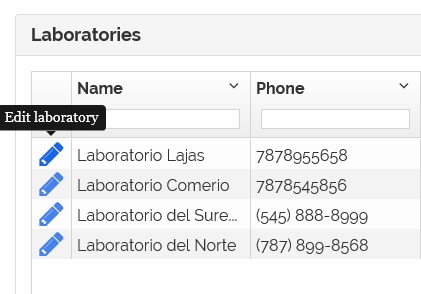
1- On the laboratory page click on the  icon.
icon.
2- The laboratory information appears.
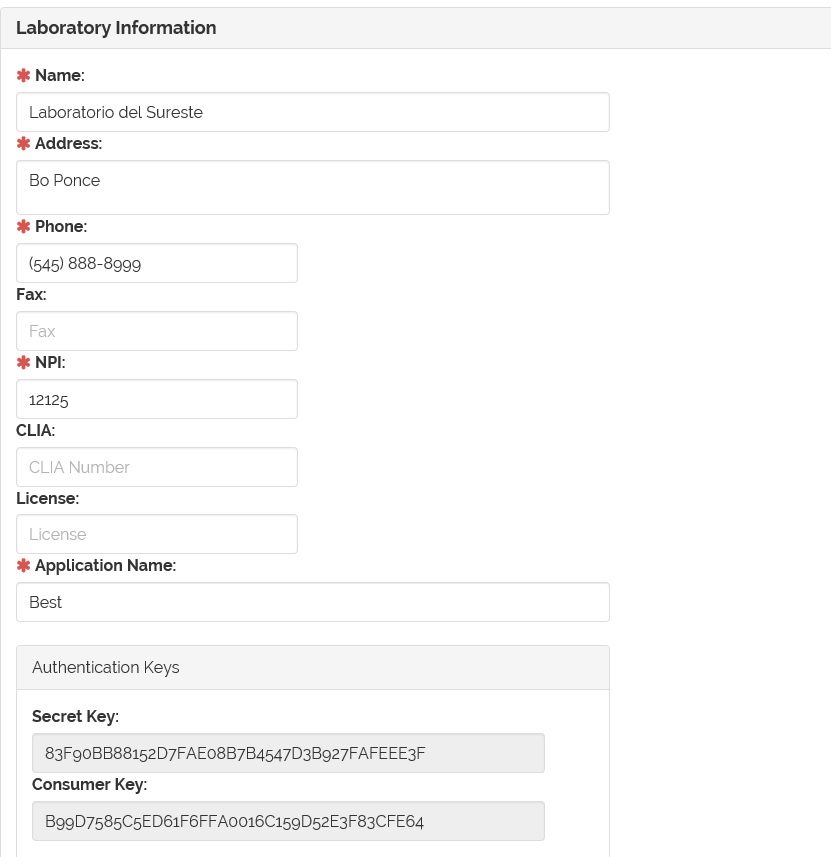
3- Go to the 'Authentication Keys' section.
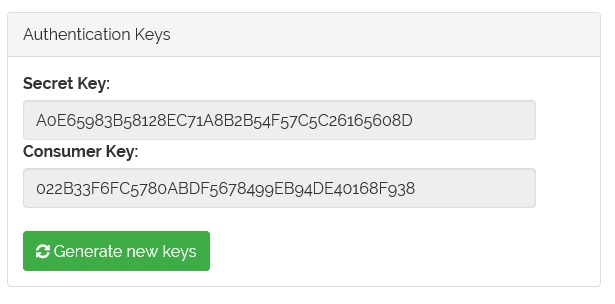
4- Click on the  button.
5- A confirmation window will appear.
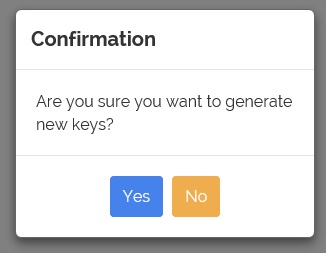
6- Click 'Yes' to continue or 'No' to cancel.
7- If 'Yes', the keys will changed.
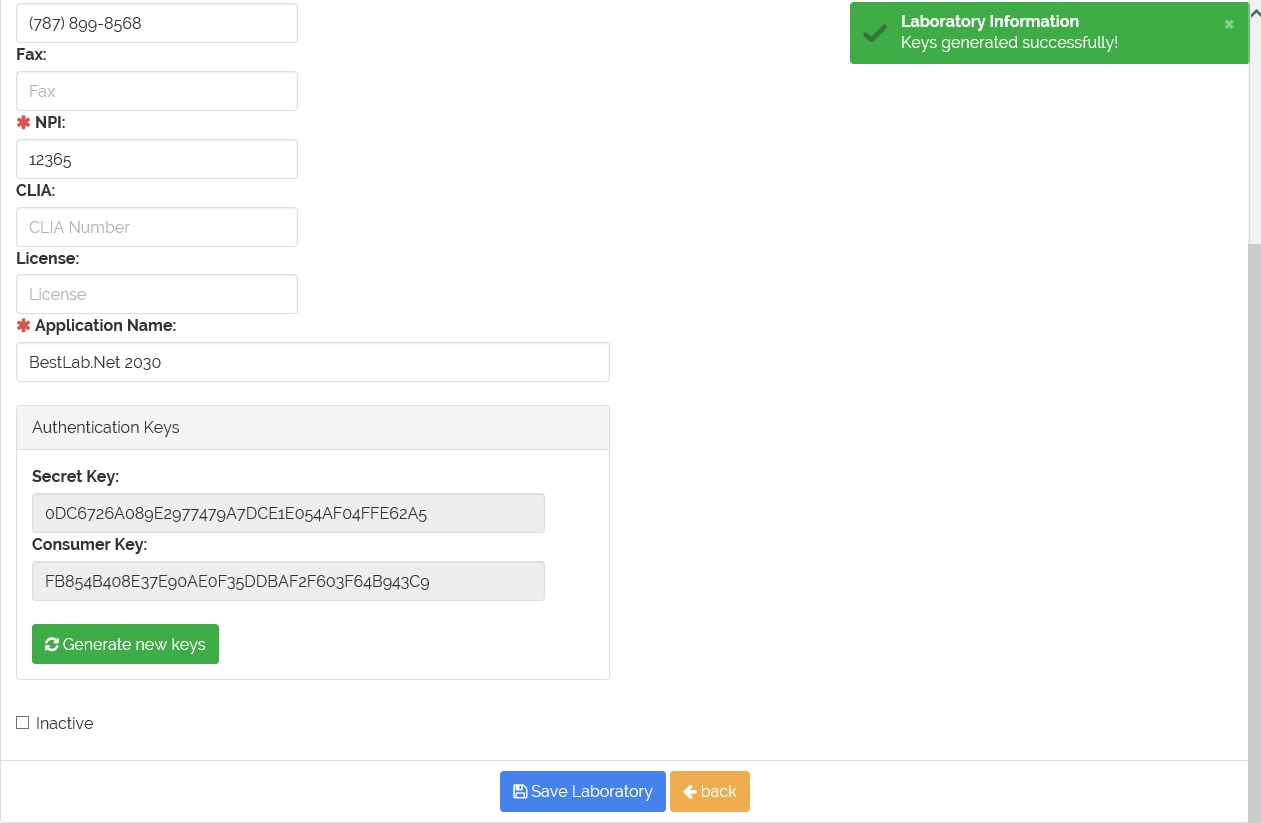
Note: Provide the information of the new generated authentication keys to the laboratory.