Resend activation e-mail
This section describes how to resend the activation e-mail to the practice.
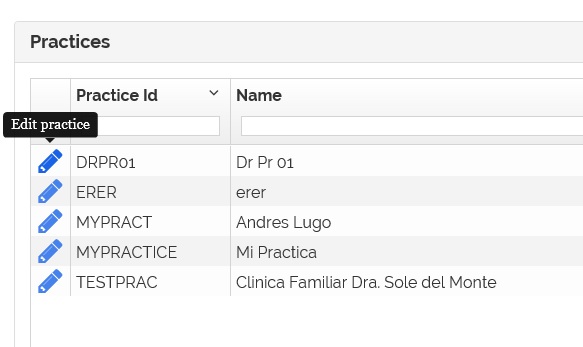
1- From the practices list page click on the  icon.
icon.
2- The practice information page appears.
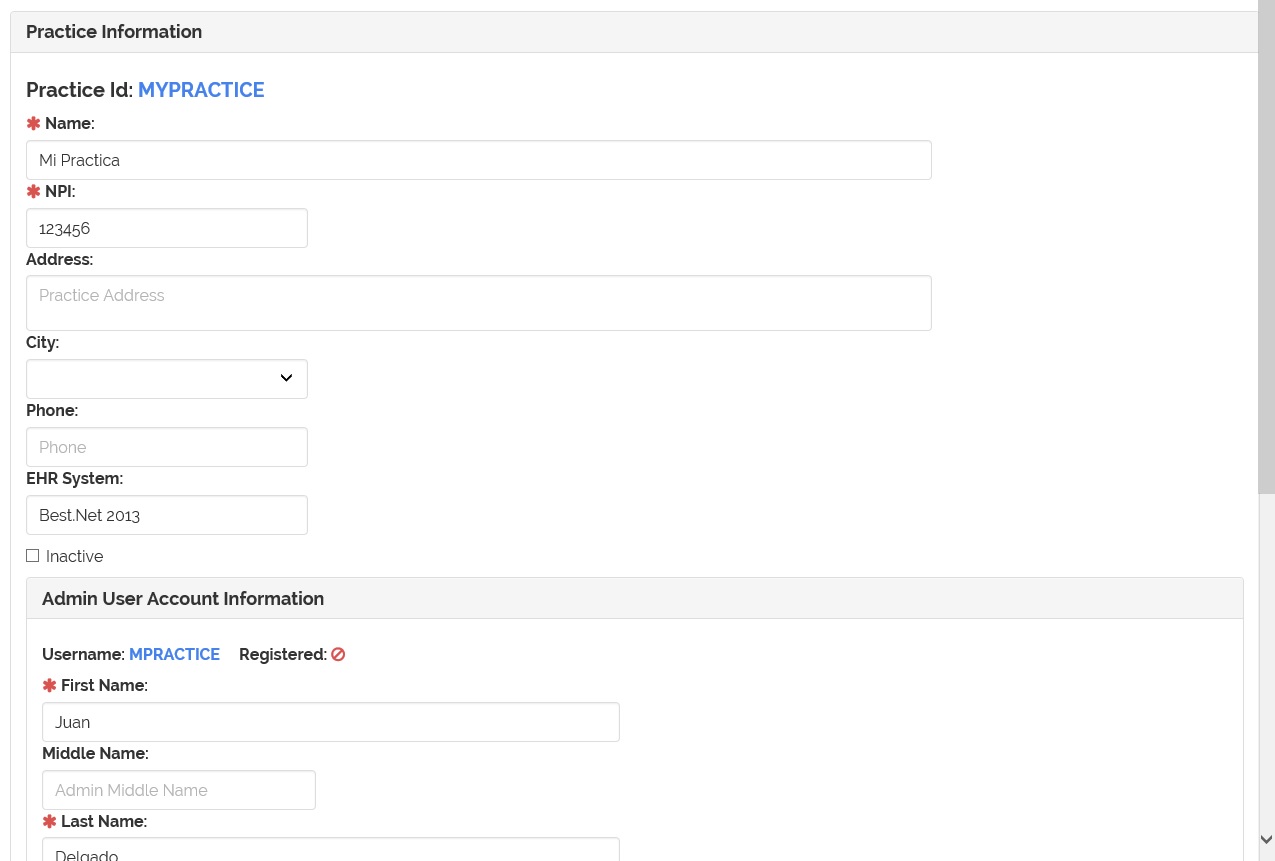
3- Find and click the  button.
Note: This button appear as long as the practice IS NOT registered.

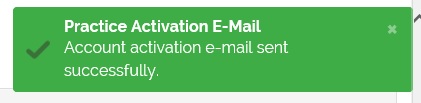
4- After sending the e-mail, a message appear.