Edit a laboratory
This section describes how to edit the information of an existing laboratory.
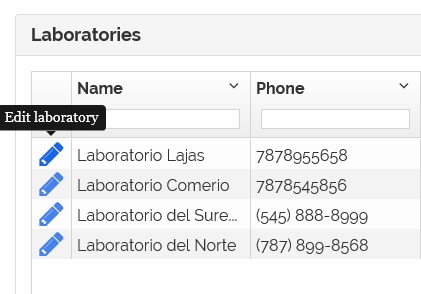
1- On the laboratories list page click on the  icon.
icon.
2- The laboratory information appears.
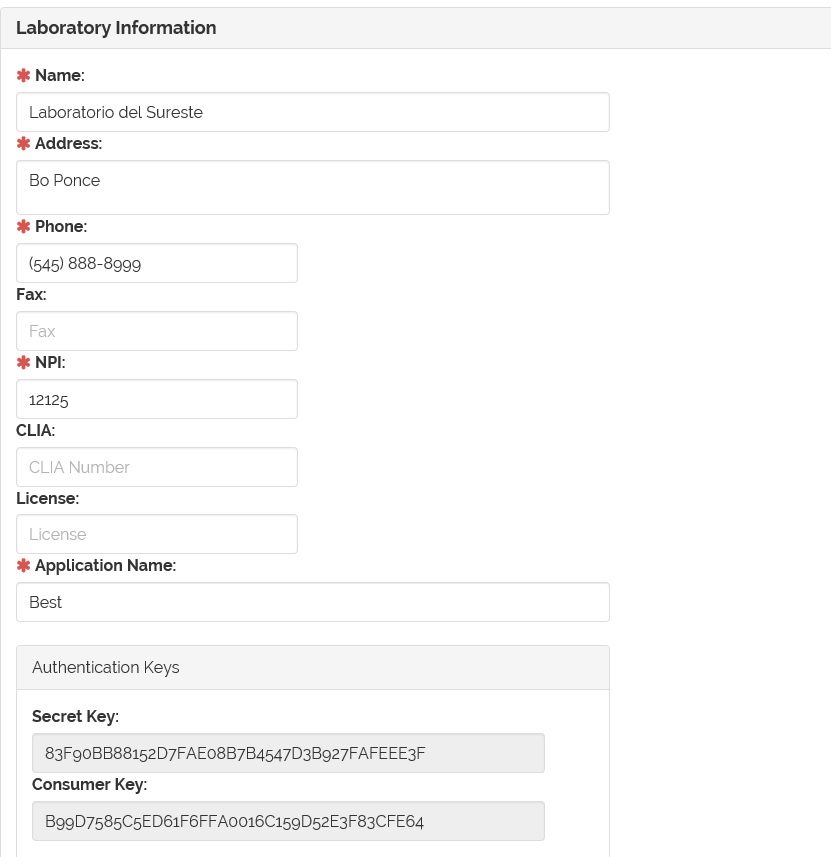
3- Edit the laboratory information and click on  button to save changes.
4- For more information on how to inactive a laboratory go to Inactive a laboratory section.
5- For more information on how to generate the Authentication Keys for the laboratory go to Generate laboratory authentication keys section.